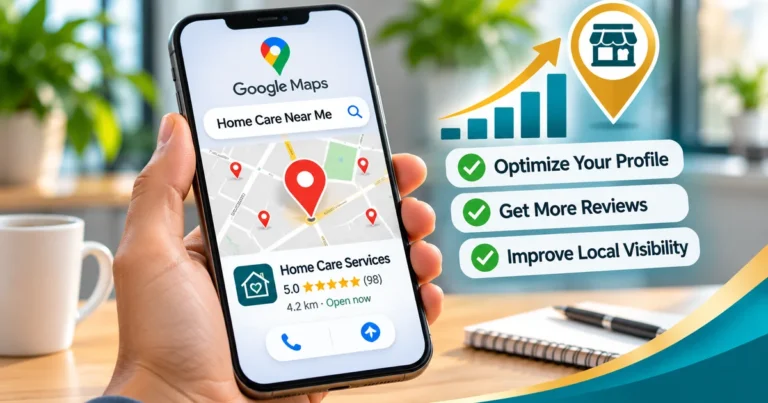
Google is rolling out AI-powered Google Business Profile messaging to more businesses, as Search Engine Roundtable reported on October 29, 2026. Customers text you from Search or Maps, an AI agent answers routine questions from your profile data, and you can take over any conversation. It is an invite-only pilot with no wider rollout date yet.
- Google is testing AI-powered messaging on Business Profiles in Search and Maps. Access is by invitation for now.
- The AI agent answers from your profile, so wrong hours or missing services mean wrong answers.
- It only works for customers whose phones and carriers support RCS. Other texts go straight to your phone.
- Decide now who takes over conversations, how fast, and what the agent should never handle.
What changed with Google Business Profile messaging
On October 29, 2026, Search Engine Roundtable reported that Google is opening its AI-powered messaging pilot to more Business Profiles. Some owners got invitation emails around October 20. The feature first showed up in limited tests in June.
So how does it work? Here's the picture from Google's wording in those emails and posts:
- A customer finds you in Search or Maps and taps to message you.
- The conversation opens in the customer's normal texting app, not a separate Google chat window.
- An AI agent answers routine questions right away, at no cost to you during the pilot. Google says it can also help customers make bookings.
- When the agent can't answer, it hands the conversation off. You can step in at any time.
- All messages show up inside your Business Profile.
There's one big limit. RCS. The agent only works for customers on participating carriers whose phones support RCS (the modern texting standard). Everyone else's messages go straight to your phone as regular texts, and standard messaging rates may apply.
Why this matters for local businesses
If you ran a business in 2023, you may remember the old Business Profile chat. Google retired it in July 2024. Its big weakness was simple: a chat nobody answered looked worse than no chat at all. This version tries to fix that problem by putting an AI agent on the first reply.
That shifts the job. Nobody has to babysit a chat window. You no longer need someone watching chats all day. You do need a profile that tells the agent the truth. The agent answers from your hours, services, service area, menu or price info and description. If any of that is stale, customers get a confident wrong answer with your name on it.
It also fits a wider pattern. Google keeps turning the Business Profile into the main data source for Maps, AI Overviews and conversational search. We covered that trend in our guide to getting recommended by ChatGPT and AI search. A complete, accurate profile now does more work than it did a year ago.
Who can use it today
Right now it's an invite-only pilot. Google hasn't announced a date for a wider rollout, and the early examples focus on restaurants. Nothing public says which countries or business types qualify next.
To check your own account, open your Business Profile and look at the Messages item. Owners in the pilot report a red dot there and a welcome screen that walks through turning the agent on. If you don't see it, there's nothing to switch on yet.
Service businesses should watch this closely. HVAC companies, plumbers and home care agencies get a lot of quick "do you serve my area?" and "are you open Sunday?" questions. Those are exactly the questions an agent can handle well. If you run an HVAC company, picture the calls you get during the first cold snap. Many of them are simple yes-or-no questions.
What to do now, even without an invite
You don't need the feature to start getting ready. The same work helps your Maps rankings today.
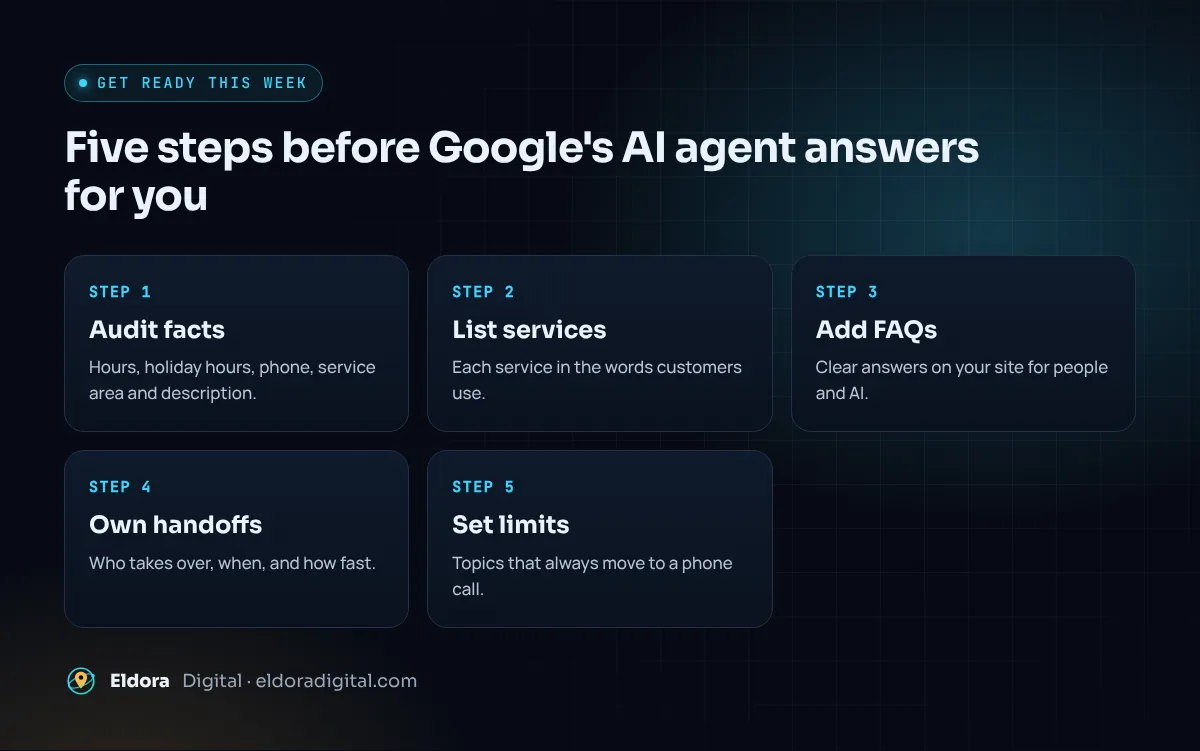
- Audit your profile facts. Check hours (including holiday hours), services, service area, phone number and description. Fix anything out of date.
- Write your services in plain words. List each one the way customers say it. The agent can only answer what the profile actually states.
- Add real FAQs to your website. Clear answers about pricing approach, service area and booking help both people and AI systems.
- Pick an owner for handoffs. Decide who takes over a conversation, during which hours, and how fast they reply.
- Set your no-go topics. Home care and other healthcare businesses should keep health details out of text threads and move those conversations to a phone call.
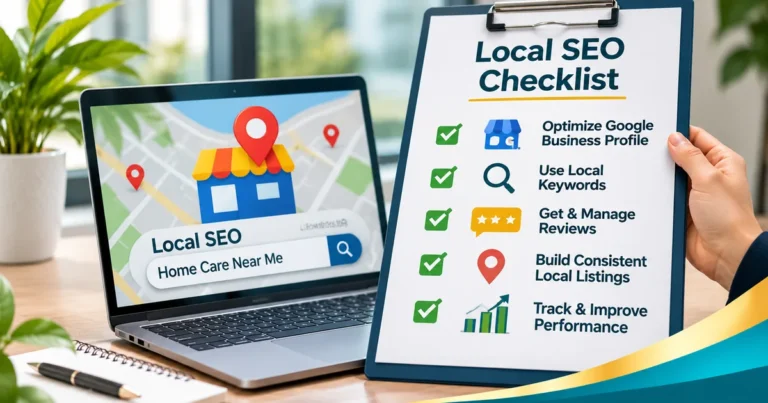
Our local SEO checklist covers the full profile audit, and the Google Maps ranking guide explains which profile fields affect visibility.
Watch-outs before you switch it on
An AI agent replying under your brand is useful, but it isn't risk-free. Keep these in mind:
- Accuracy: read the first few weeks of conversations. If the agent gets something wrong, fix the profile field it pulled from.
- Healthcare privacy: home care and home health agencies should not discuss diagnoses or care details by text. Move those to a call.
- Marketing texts: a customer starting a conversation is not consent to marketing messages. Don't add those numbers to promo lists without clear permission.
- Profile rules: keep following Google's guidelines for representing your business. Keyword-stuffed names and fake addresses still put listings at risk.
If you want an agent that also covers phone calls and your website, compare this with a dedicated AI receptionist or an AI chatbot. Google's tool only covers messages that start on your Business Profile.
Our take: if the invite shows up, test it. Watch the conversations closely for a month, fix what the agent gets wrong, and keep the parts that save your team time. This kind of profile work is part of our AI-powered local SEO service.
Our Google Business Profile optimization service fixes the facts the AI agent reads, or start with a free local SEO audit.